
Note: If your user account is locked, call the Help Desk at 512-804-4357.
If your password has expired, use the Microsoft Online Password Reset.
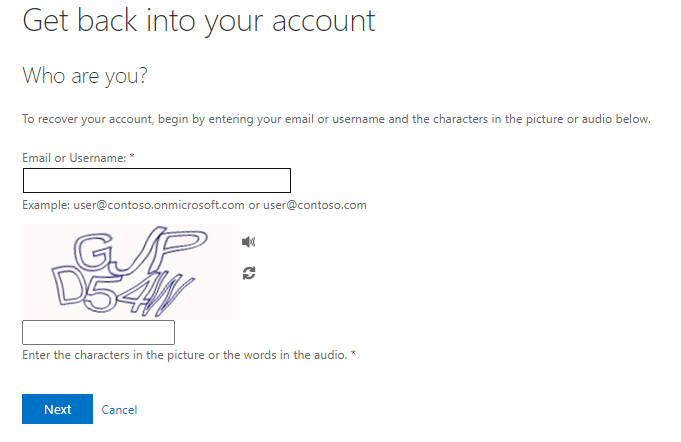
- Enter your email and the characters displayed on the screen. Click Next.
-
Use your mobile number or authenticator application to confirm your identity and follow the instructions below. If you have questions or issues, please contact the helpdesk.
Mobile number
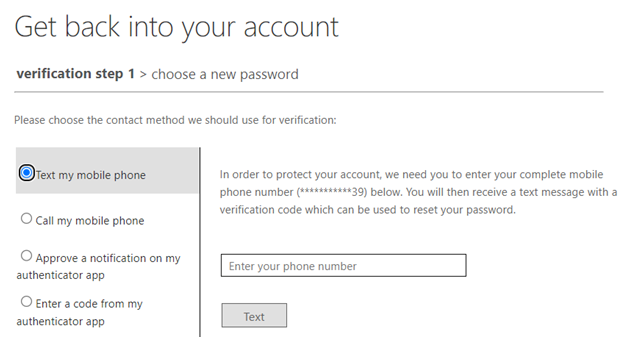
- Enter your mobile number and choose text or call.
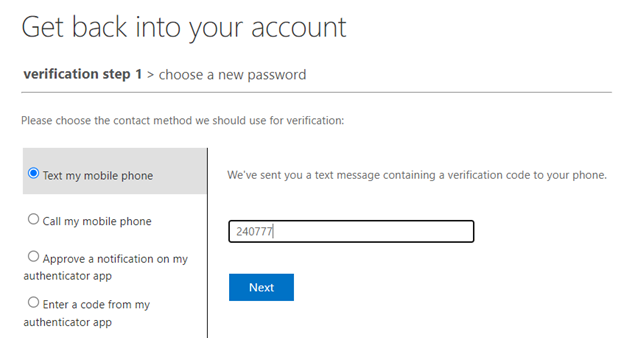
- Enter the code you receive and click Next.
Authenticator app:
- Choose to approve a notification or enter a code from your authenticator app. Click Send Notification.
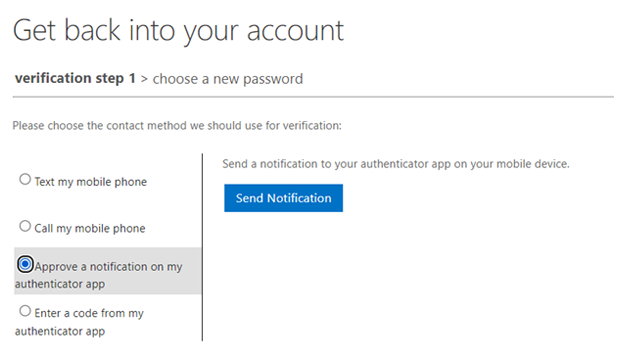
- If you choose to approve a notification, you will receive an number that will need to be entered into the authenticator app on your phone.
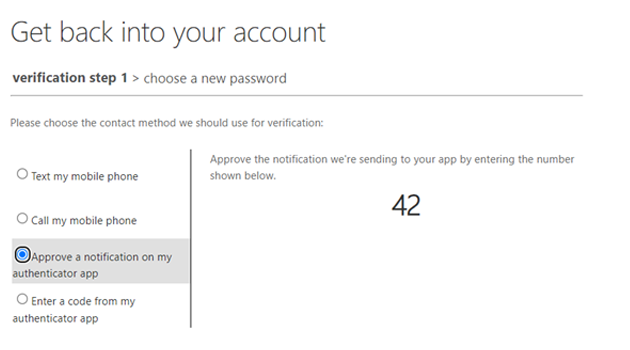
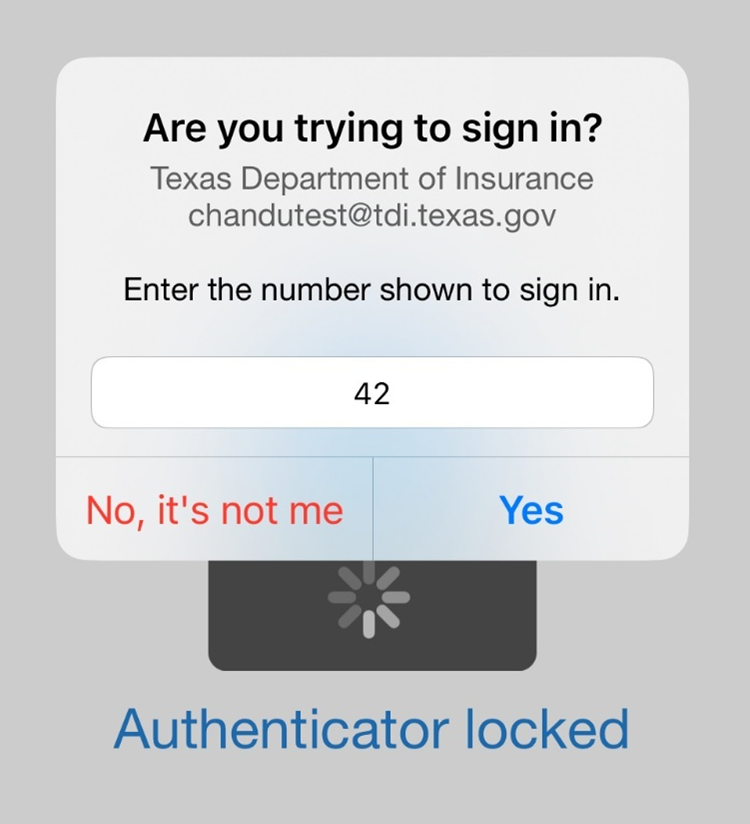
- Enter the number shown on your screen into the app on your phone
- Enter your mobile number and choose text or call.
- Enter your new password. Click Finish.
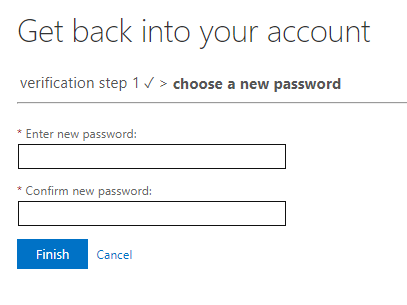
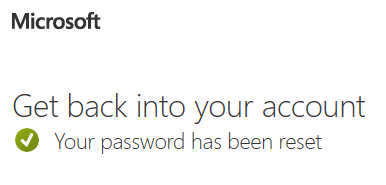
- You should get a message that your password has been reset.